PhotoQuill vs Photoshop (2026): What a Free Browser Editor Can and Can't Replace
Photoshop costs at least $19.99 a month, and Adobe has no free version of it. PhotoQuill is a free, Photoshop-style editor that runs in your browser and opens and saves PSD files. We tested it on 315 PSD files and compared the two on price, file compatibility, AI and privacy, including where Photoshop is still the better choice.
Full disclosure: we make PhotoQuill. We've tried to be fair, and we say plainly where Photoshop does more. Photoshop prices are Adobe's US list prices as of November 2026.
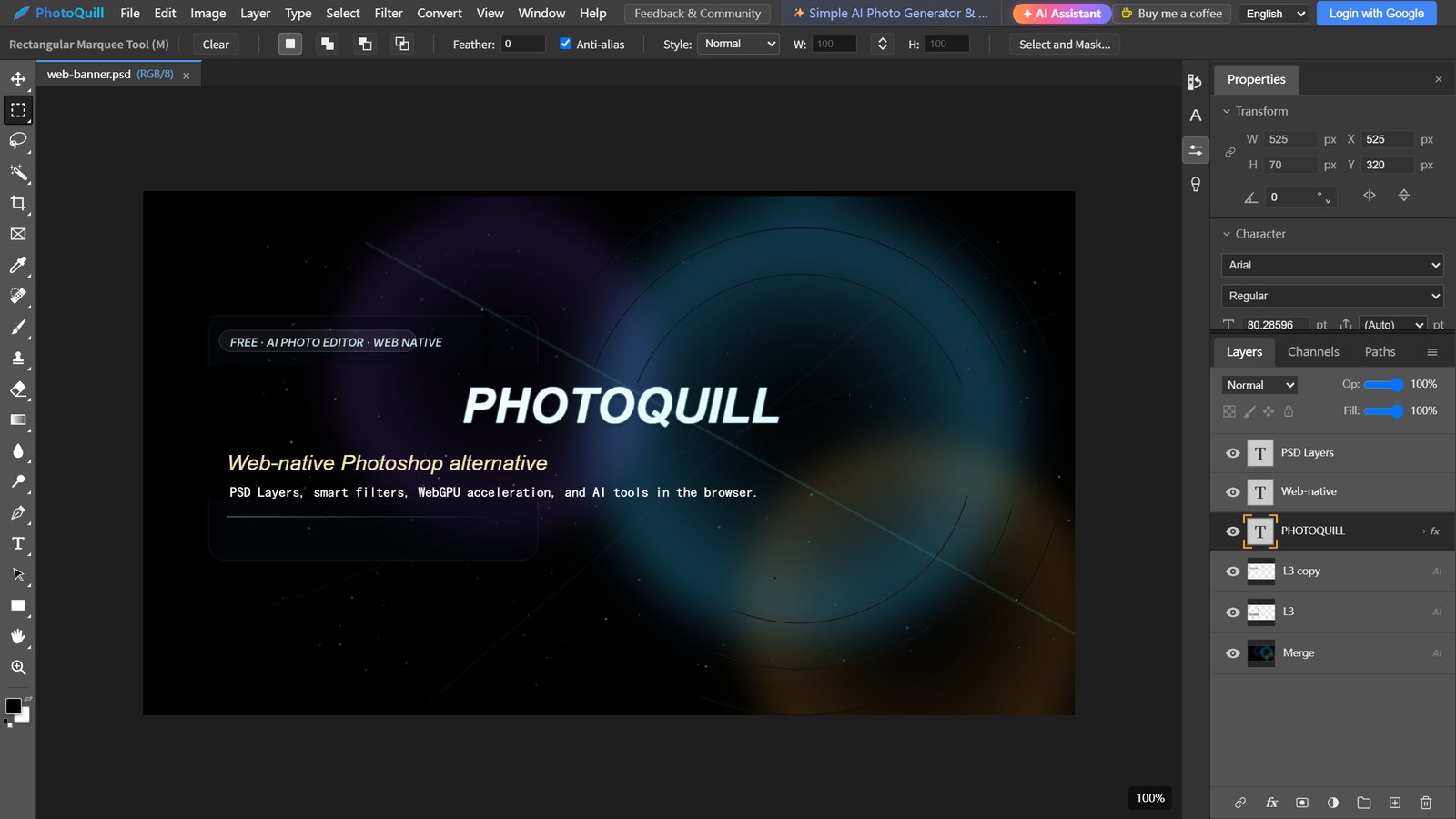
The Short Answer
Choose Photoshop if you depend on Firefly generative AI, plugins or .atn actions, video, Adobe Camera Raw with lens profiles, huge documents, or the rest of Adobe's apps.
Choose PhotoQuill if you need layers, masks, adjustment layers, retouching and real PSD files without paying every month or installing anything.
PhotoQuill vs Photoshop at a Glance
| Feature | PhotoQuill | Adobe Photoshop |
|---|---|---|
| Price | Free editor; AI features use credits | $19.99/mo (Photography plan with Lightroom) or $22.99/mo alone; 7-day free trial |
| Platforms | Chrome or Edge on Windows, Mac and Chromebook; phones get a simpler AI editor | Windows, Mac, iPad, phones and the web |
| Install and account | Nothing to install; no account to edit | Creative Cloud app and an Adobe account |
| PSD files | Opens and saves layered PSD and PSB | Native format |
| Color modes | RGB, CMYK, Lab, Grayscale, Indexed, Duotone, Bitmap, Multichannel; 8, 16 and 32-bit | The same, plus full ICC color management and print controls |
| Editing tools | Adjustment layers, layer styles, Smart Objects, Select and Mask, Content-Aware Fill and Scale, Liquify, Puppet Warp, Camera Raw filter | All of these, plus Neural Filters and a larger filter set |
| Generative AI | AI assistant that builds layered designs, image to layered PSD, background removal, image generation | Generative Fill and Expand (Adobe Firefly), Neural Filters |
| RAW photos | Opens CR2, CR3, NEF, ARW, DNG, ORF, RW2 and RAF as 8-bit images | Adobe Camera Raw with camera and lens profiles |
| Automation | Records and plays back its own actions; batch processing | Actions (.atn), scripting and plugins |
| Animation and video | Frame animation, animated GIF export | Frame animation and a video timeline |
| Where files go | Edited on your device; uploaded only for AI features | On your computer, or in Creative Cloud if you save there |
Where Photoshop Is Still Better
- Generative AI inside the image. Generative Fill and Generative Expand paint new content into a selection or past the canvas edge with Adobe Firefly. PhotoQuill's AI works differently: it generates whole images and editable layers rather than filling a selection.
- Plugins and actions. Photoshop runs third-party plugins and the .atn action files that many studios have built up over years. PhotoQuill has no plugin system and can't load .atn files.
- RAW development. Adobe Camera Raw applies camera and lens profiles to the full RAW data. PhotoQuill opens RAW files as 8-bit images; for serious RAW work, Camera Raw or Lightroom is better.
- Very large documents. PhotoQuill runs on your graphics card through WebGPU, so huge canvases with many layers are limited by your GPU and browser memory sooner than Photoshop is.
- Print and color control. PhotoQuill edits CMYK documents, but Photoshop gives you far more control over ICC profiles, proofing and print settings.
- Video and the Adobe ecosystem. Photoshop edits video on a timeline and connects to Lightroom, Illustrator, cloud documents and shared libraries.
- Working offline. Once installed, Photoshop runs without a connection, apart from checking your license now and then. PhotoQuill is a web page and needs a connection to load.
Where PhotoQuill Is Enough, or Better
- Price. The editor costs nothing. You only pay if you want extra AI credits.
- No install, no account. Open PhotoQuill in a browser tab and start editing, including on a Chromebook or a computer where you can't install software.
- Photoshop habits carry over. The menus, panels and shortcuts follow Photoshop: Ctrl+J duplicates a layer, Ctrl+L opens Levels, Ctrl+U opens Hue/Saturation and Ctrl+D deselects. One exception: browsers keep Ctrl+T for a new tab, so Free Transform is Ctrl+Alt+T.
- Real PSD round trips. Files keep their layers, groups, masks, text, smart objects, adjustment layers and layer styles, and save back as PSDs that open in Photoshop. See the test results below.
- AI that gives you layers. The AI assistant can turn a prompt or an existing image into a layered PSD, with the background, objects and text on separate, editable layers.
- Privacy for everyday edits. Without AI, your files never leave your device.
How Well Does PhotoQuill Open Photoshop Files?
We tested PhotoQuill on the 315 PSD and PSB files in the test suite of psd-tools, an open-source PSD library. Each file stores Photoshop's own rendering of the image. We compared PhotoQuill's rendering with it, using the same pass threshold psd-tools uses, then saved each file in PhotoQuill and opened it again.
Of the other three, one was close (a stroke with a noise gradient), one differed (the Dissolve blend mode, which uses random noise), and one can't be opened by Photoshop itself. The files cover layer styles, vector and clipping masks, smart objects, text, artboards, adjustment layers and every color mode.
One thing to know before you move a project: fonts that aren't installed on your computer are swapped for another font, as in Photoshop. Type > Resolve Missing Fonts lets you pick the replacement.
What Photoshop Costs Over Three Years
| Option | Per month | 3 years |
|---|---|---|
| Photoshop (single app) | $22.99 | $827.64 |
| Photography plan (Photoshop + Lightroom, 1TB) | $19.99 | $719.64 |
| PhotoQuill editor | $0 | $0 |
PhotoQuill's AI features use credits. New accounts get 10 credits plus 5 free credits a day, and credit packs are a one-time purchase, not a subscription. If you need Photoshop for only a few days, Adobe's 7-day free trial is also an option.
Privacy: Where Your Files Go
When you open, edit and save a file in PhotoQuill, it stays on your device. Nothing is uploaded and no account is needed. When you use an AI feature, you sign in with Google, the image you send is uploaded to make the result, and your most recent AI results are kept on our servers.
Photoshop on the desktop also edits files on your computer. Files you save as cloud documents, and images you send to Firefly features such as Generative Fill, are processed in Adobe's cloud.
Who Should Use Which?
Choose PhotoQuill if you…
- Edit photos, web and social graphics or UI assets
- Need to open or fix a PSD someone sent you
- Use a Chromebook or a computer you can't install on
- Don't want another monthly subscription
- Want AI results as editable layers
- Are a student, freelancer or hobbyist
Choose Photoshop if you…
- Use Generative Fill and Expand every day
- Depend on plugins or .atn actions
- Develop RAW files with lens corrections
- Work on very large print files or edit video
- Work in a team that shares Adobe libraries
How to Open a Photoshop Project in PhotoQuill
Save the file as PSD
In Photoshop, choose File > Save As and pick Photoshop (.psd), or PSB for very large documents. Save it to your computer, not only to Creative Cloud.
Open it in PhotoQuill
Go to photoquill.com in Chrome or Edge and drag the PSD onto the editor, or choose File > Open. Layers, masks, text and smart objects open as they were.
Edit and save back to PSD
Edit as usual, then choose File > Save PSD to download a layered PSD that opens in Photoshop again.